


How to export a session from Race Studio
- Download the session from the logger into Race Studio as usual.
- Open it in Race Studio Analysis and export it as CSV.
- Drop the CSV on the upload page.
What is read from the file
- The GPS positions and speed, and the laps the logger timed.
- RPM, the g-forces and the other channels the logger recorded; the header and unit rows are found on their own.
- .xrk and .drk files are not read directly yet — the CSV export carries the same session.
What you get
- Each lap over satellite imagery, coloured by speed, with corners and sectors.
- Any two laps compared at the same place: speed, RPM and time gained and lost along the lap.
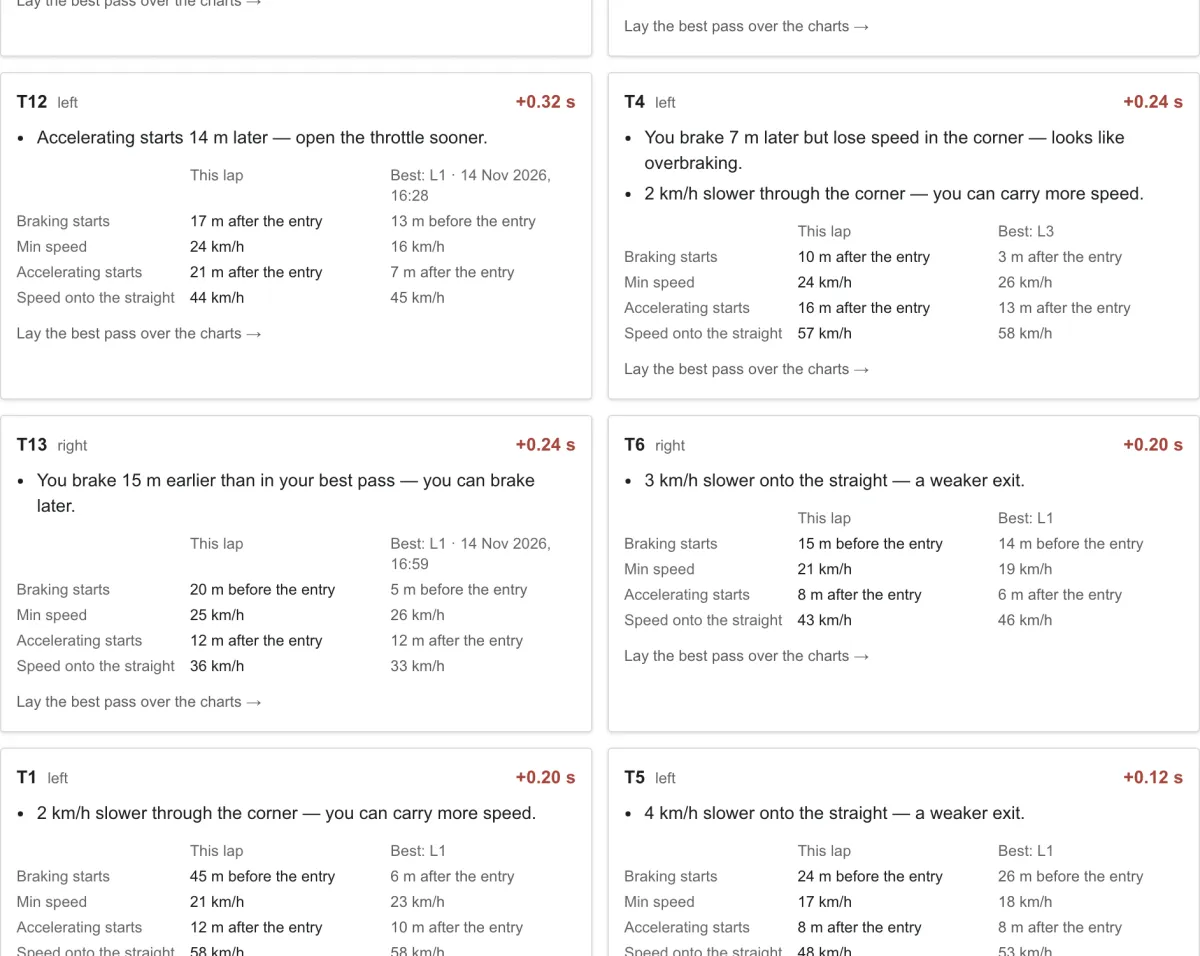
- Coaching corner by corner against your best pass.
- Every session on the track grouped together, with your best and ideal laps over time.
Questions
- Does it work for karting?
- Yes. Set the session type to kart; the corners, the sectors and the coaching work the same way.
- My MyChron has no GPS module. Can I still upload?
- The laps and the charts work from the logger alone, but there is no map without positions, and the track is not recognised.
Other apps and loggers
RaceBox →Files: VBO, GPX, KMLRaceBox Mini and Micro: the VBO file carries speed, g-forces and lean angle.RaceChrono →Files: CSV, VBOThe phone lap timer: export the session as CSV or VBO.MoTeC i2 →Files: LD, CSVThe .ld log straight from the logger, or a CSV from i2.TrackAddict →Files: CSV, GPX, KML, VBORaw or interpolated CSV, or any of its other exports.