



Which file to upload
- Take the .ld file from the logger download or from the i2 data folder.
- The .ldx next to it is not needed.
- A CSV exported from i2 works too.
What is read from the log
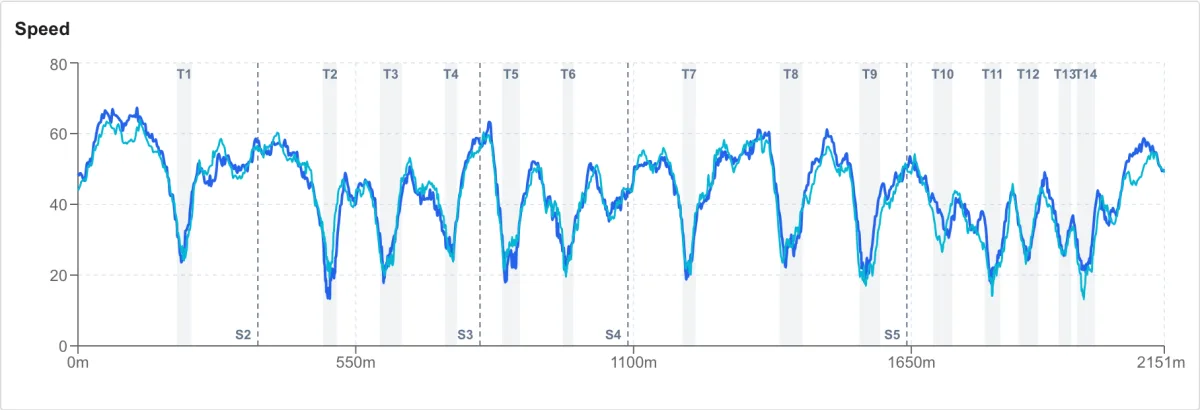
- GPS positions and speed, the laps, and the channels of the logger.
- Throttle, brake, steering, RPM and the g-forces are drawn when the log has them; other channels are kept.
What you get
- Each lap over satellite imagery, coloured by speed, with the corners found on their own.
- Two laps compared at the same place of the track: throttle and brake, steering, speed and the time delta.
- Coaching corner by corner, the ideal lap and the progress across sessions.
Questions
- Does it replace i2?
- No — it is for looking at laps quickly from anywhere and for comparing sessions over time. Detailed channel work stays in i2.
Other apps and loggers
RaceBox →Files: VBO, GPX, KMLRaceBox Mini and Micro: the VBO file carries speed, g-forces and lean angle.RaceChrono →Files: CSV, VBOThe phone lap timer: export the session as CSV or VBO.AiM (MyChron, Solo, Race Studio) →Files: CSVMyChron, Solo and other AiM loggers through a CSV from Race Studio.TrackAddict →Files: CSV, GPX, KML, VBORaw or interpolated CSV, or any of its other exports.